PaperexLearn › How to use Paperex
Getting started

How to use Paperex

Paperex is a free crypto trading simulator. You trade with virtual money on a real matching engine fed by live market data — so the practice feels real, but nothing is at risk. Here's how to get going in two minutes.

1. Just open it — no sign-up

There is no login, email or wallet to connect. When you open Paperex a demo account is created automatically and seeded with virtual funds. Your balances and open orders are saved to that session, so you can pick up where you left off.
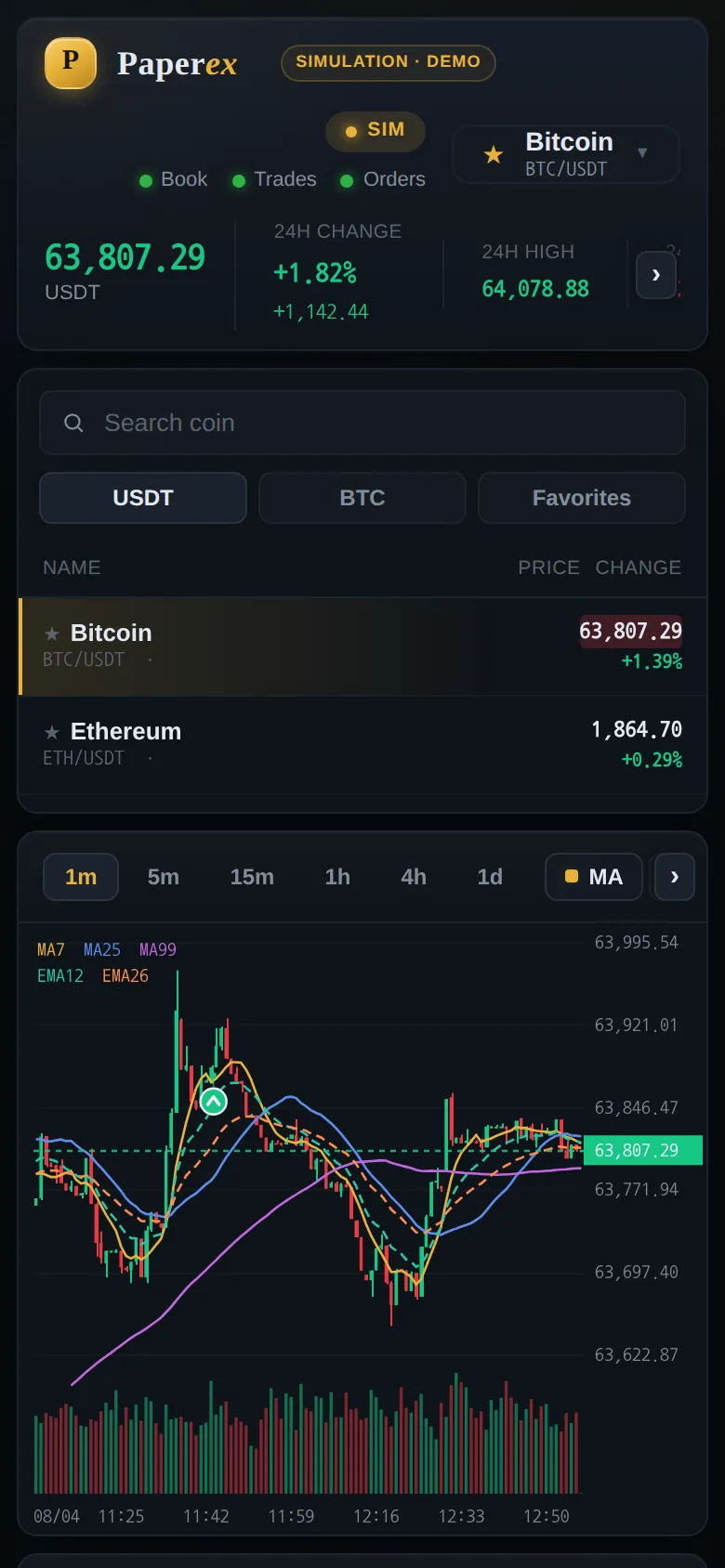
Paperex on a phone: the price header, the market list and the live candlestick chart.
This is the whole first screen on a phone — price at the top, markets, then the chart. Nothing to sign up for.

2. Pick a market

Use the market list on the left (or the symbol picker at the top) to choose a pair such as BTC/USDT. The chart, order book and trade tape all switch to that market instantly. Prices, depth and trades are streamed live, so what you see mirrors the real market.
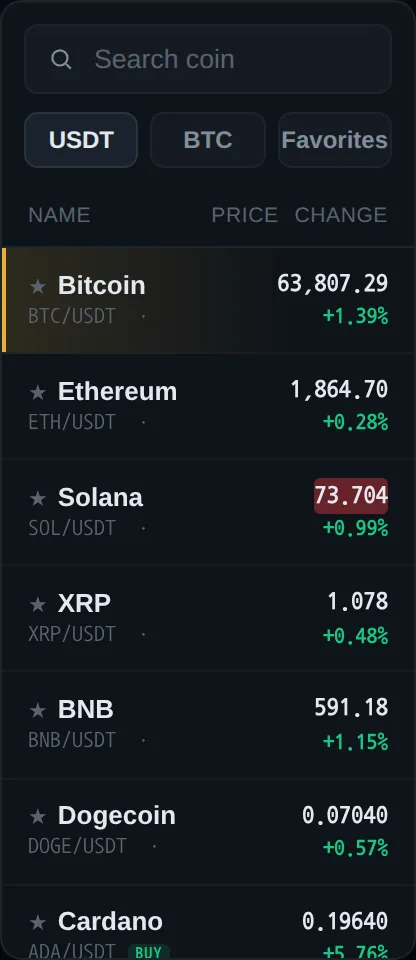
The market list, with a search box, USDT and BTC tabs, and rows for Bitcoin, Ethereum, Solana and others.
Search a coin, or tap a row. The star keeps it in Favorites.

3. Place a spot trade

In the order form choose Spot, then Buy or Sell:

Enter an amount, review the total, and submit. Filled and resting orders appear in the account panels below the chart.
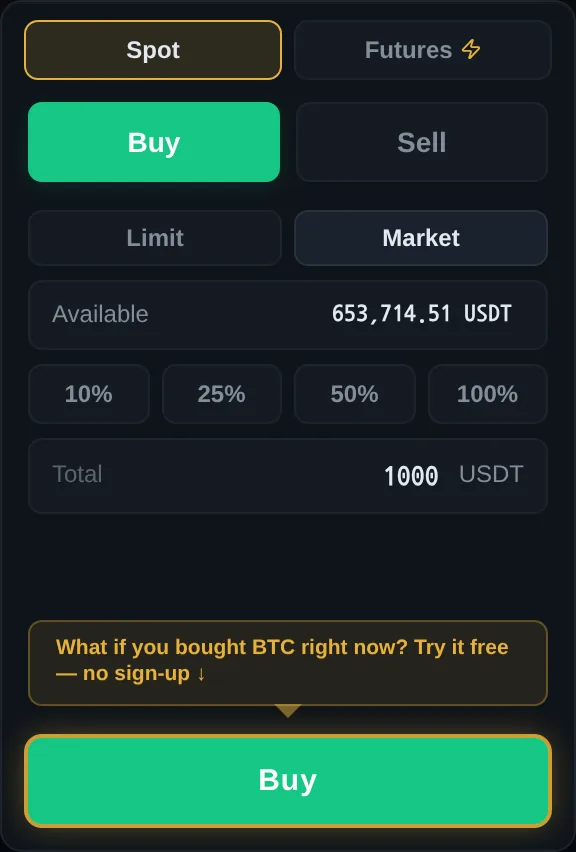
The spot order form: Spot and Futures tabs, Buy and Sell tabs, Limit and Market types, available balance, percentage buttons, total, and a green Buy button.
The spot order form. Tap 10% / 25% / 50% / 100% and the amount is filled in for you — you never have to do the arithmetic.
A market buy, start to finish: pick an amount, hit Buy, and the fill lands in your account straight away.
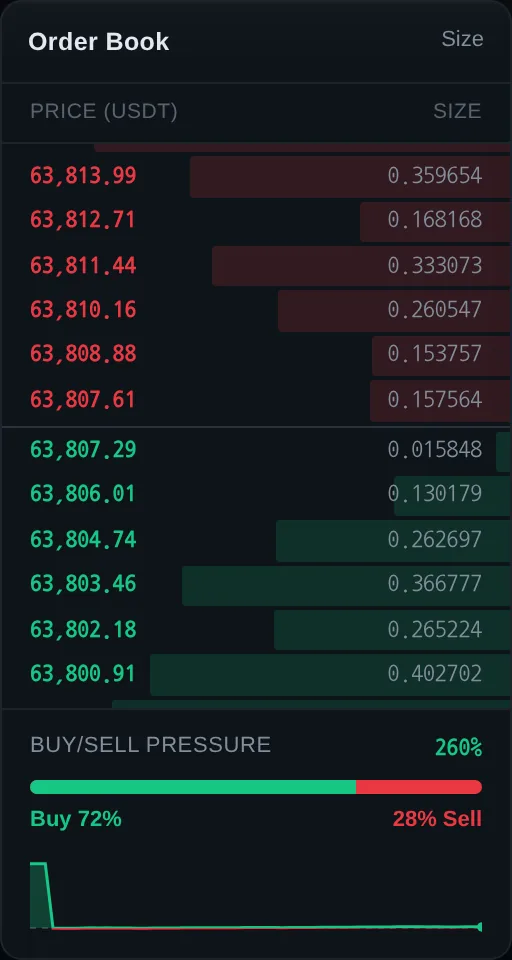
Tip: Click any price level in the order book to drop that price straight into the order form.
The order book: red asks above, green bids below, size bars behind each row, and a buy/sell pressure bar underneath.
Red above, green below. Click any price and it drops into the order form. Learn to read this in How to read an order book.
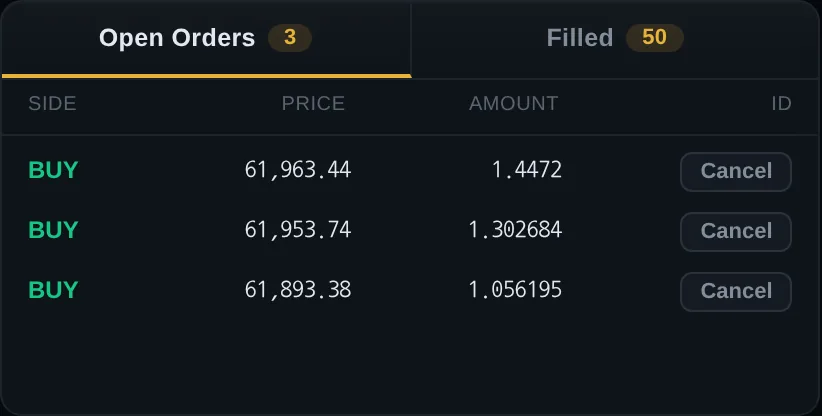
The Open Orders panel showing one resting BUY order with its price, amount and a Cancel button.
A limit order that hasn't filled yet waits under Open Orders. Cancel takes it back; Filled shows what actually traded.

4. Try leverage (futures)

Switch the order form to Futures to trade with leverage. Pick a leverage multiplier and open a Long (betting price rises) or Short (betting it falls). Once the position is open, its size, PnL and liquidation price — the price at which it would be force-closed — are tracked in the Positions panel.

New to leverage? Read Liquidation & leverage first.
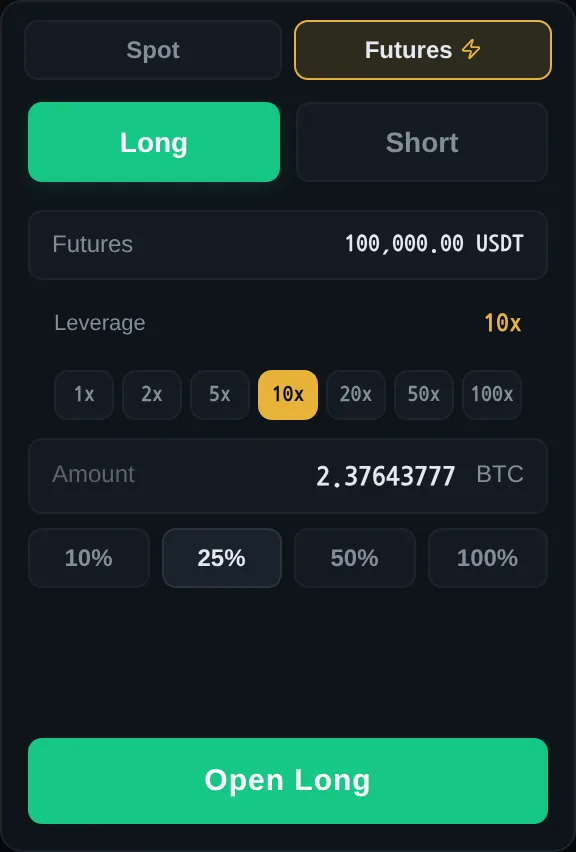
The futures order form: Long and Short tabs, the futures wallet balance, leverage buttons from 1x to 100x, an amount field and an Open Long button.
The same form in Futures mode. Higher leverage means a smaller price move wipes the position out — start at 1x–5x.

5. Check what you're holding

The Assets panel adds up everything you hold — spot coins plus futures — and compares it with what you started with. Press Details for the per-coin breakdown: how much of each coin you own and what it is worth right now.
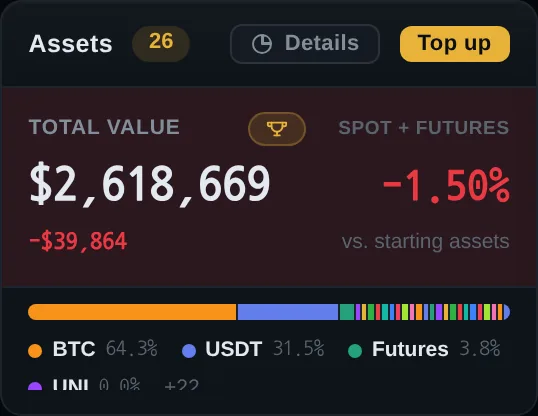
The Assets panel showing total portfolio value, change against starting assets, and a coloured bar splitting the portfolio by coin.
Total value, change against your starting balance, and the split by coin. Details opens the full per-coin list; Top up re-grants demo funds.

6. Read the market intelligence

Around the chart, Paperex shows the same signals professional traders watch: an order book, the trade tape, a live economic calendar, funding rate and open interest, whale trades, liquidations and order flow (CVD). Each panel has a tooltip explaining what it means.
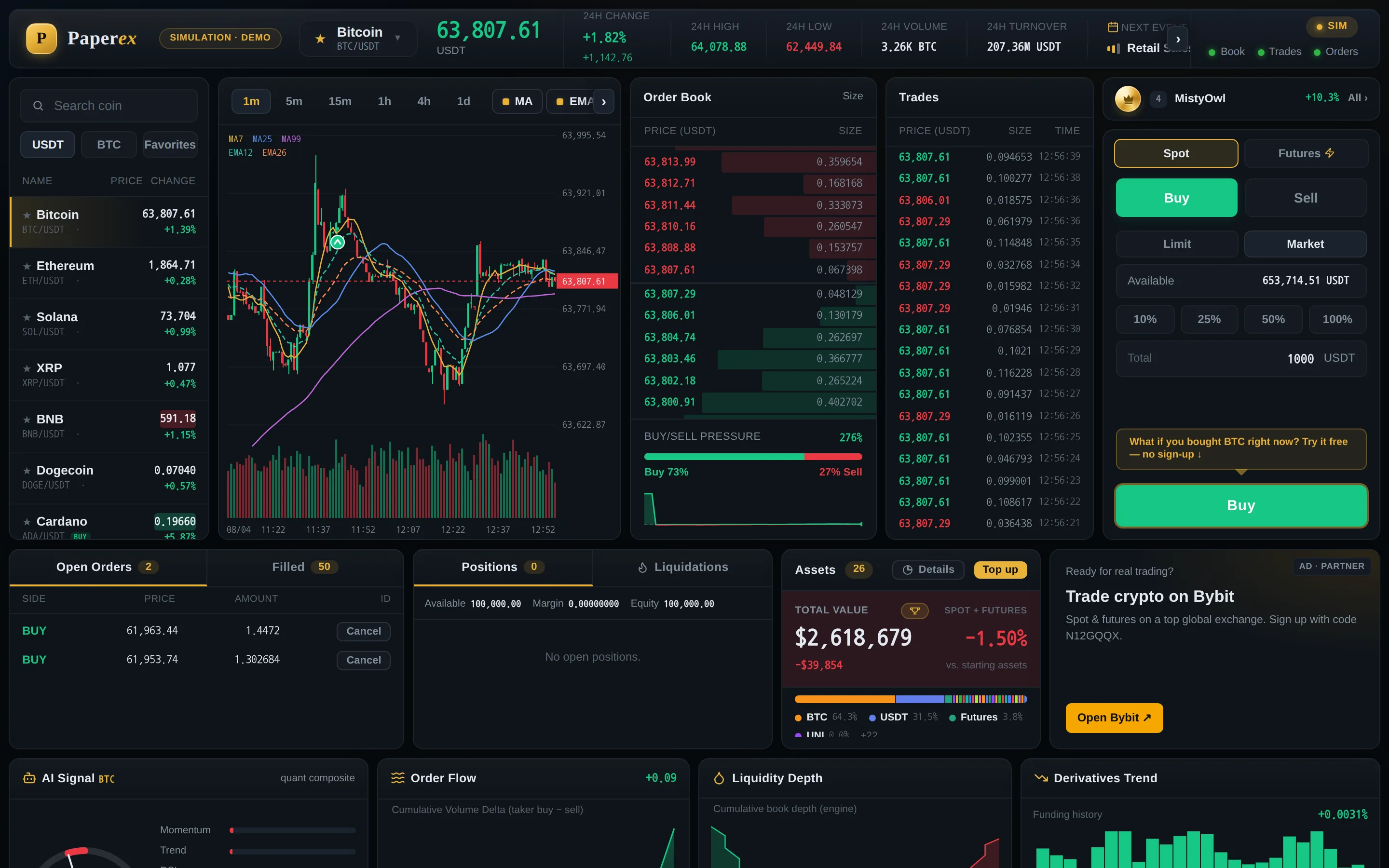
The full Paperex layout on a desktop screen: market list, candlestick chart, order book, trade tape and order form on top, with account and analytics panels below.
The whole board on a desktop screen. On a phone the same panels are simply stacked — nothing is missing.
Remember: Paperex is for learning. All money is virtual and nothing here is investment advice.

Try it now

Open the simulator and place your first order with virtual money.

Open the simulator ↗